Doda Media Player
One Modern Player for Everything You Watch & Listen To.
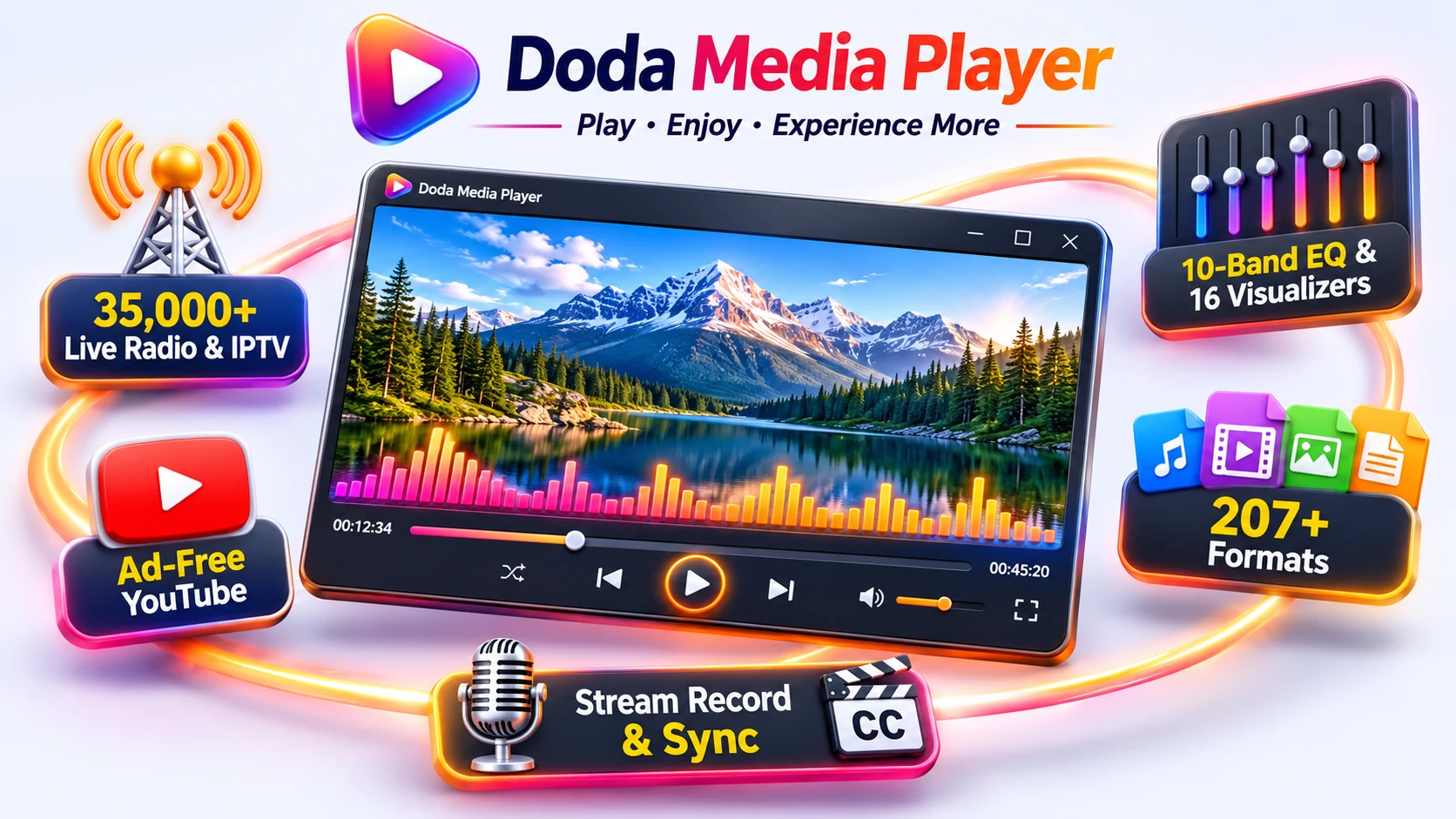
Play 207+ video, audio, playlist, and subtitle formats, tune into 35,000+ live internet radio stations, watch IPTV Live TV, and stream YouTube ad-free — all in one fast, distraction-free Windows app.
Everything You Need in One Player
Built from the ground up with hardware-accelerated 4K/60fps playback, built-in streaming, studio audio controls, and zero bloat.
🎬 207+ Media Formats
Plays 79 video formats, 88 audio/lossless/chiptune formats, 20 playlists/disc images, and 20 subtitle formats — complete with a searchable Windows File Association manager in Settings.
📻 35,000+ Live Radio & IPTV
Explore over 35,000 global internet radio stations and IPTV Live TV channels directly inside the app with instant category filters (Top, Pop, Rock, Jazz, Classical, News) and search.
📺 Ad-Free YouTube & URLs
Paste any YouTube or direct media URL to stream instantly without ads or browser clutter, or save MP4 video and MP3 audio locally via integrated yt-dlp.
〰️ 16 Real-Time Visualizers
Bars, Wave, Circle, Mirror, Glow, Fire, Rings, Bubbles, VU Meter, Pinwheel, Meteor, Waves, Water, Stairs, Orbit, and X-Ray — powered by NumPy FFT spectrum analysis.
🎚️ 10-Band Graphic Equalizer
Fine-tune your audio from 31 Hz to 16 kHz with 5 built-in studio presets (Flat, Rock, Pop, Classical, Dance) and persistent custom gain curves.
⏺️ Live Stream Recording
Capture live internet radio broadcasts, IPTV feeds, or playing streams straight to disk with one click — no external screen recorder needed.
📝 Millisecond Subtitle Sync
Supports SRT, ASS, SSA, VTT, SUB, and LRC lyrics with automatic detection alongside media files and live 100ms delay adjustment.
🔄 A-B Repeat & Picture-in-Picture
Loop any A-B video/audio segment for practice or study, detach video into a floating Picture-in-Picture window, and adjust Brightness, Contrast, and Saturation live.
📚 Smart Libraries & Queue
Dedicated Music & Video Libraries, Saved Favorites, Recently Played history, shuffle/repeat queue, auto-saved playlists, and automatic position resume.
How Doda Media Player Compares
See how Doda Media Player v2.0 stacks up against VLC, Windows Media Player, and PotPlayer out of the box.
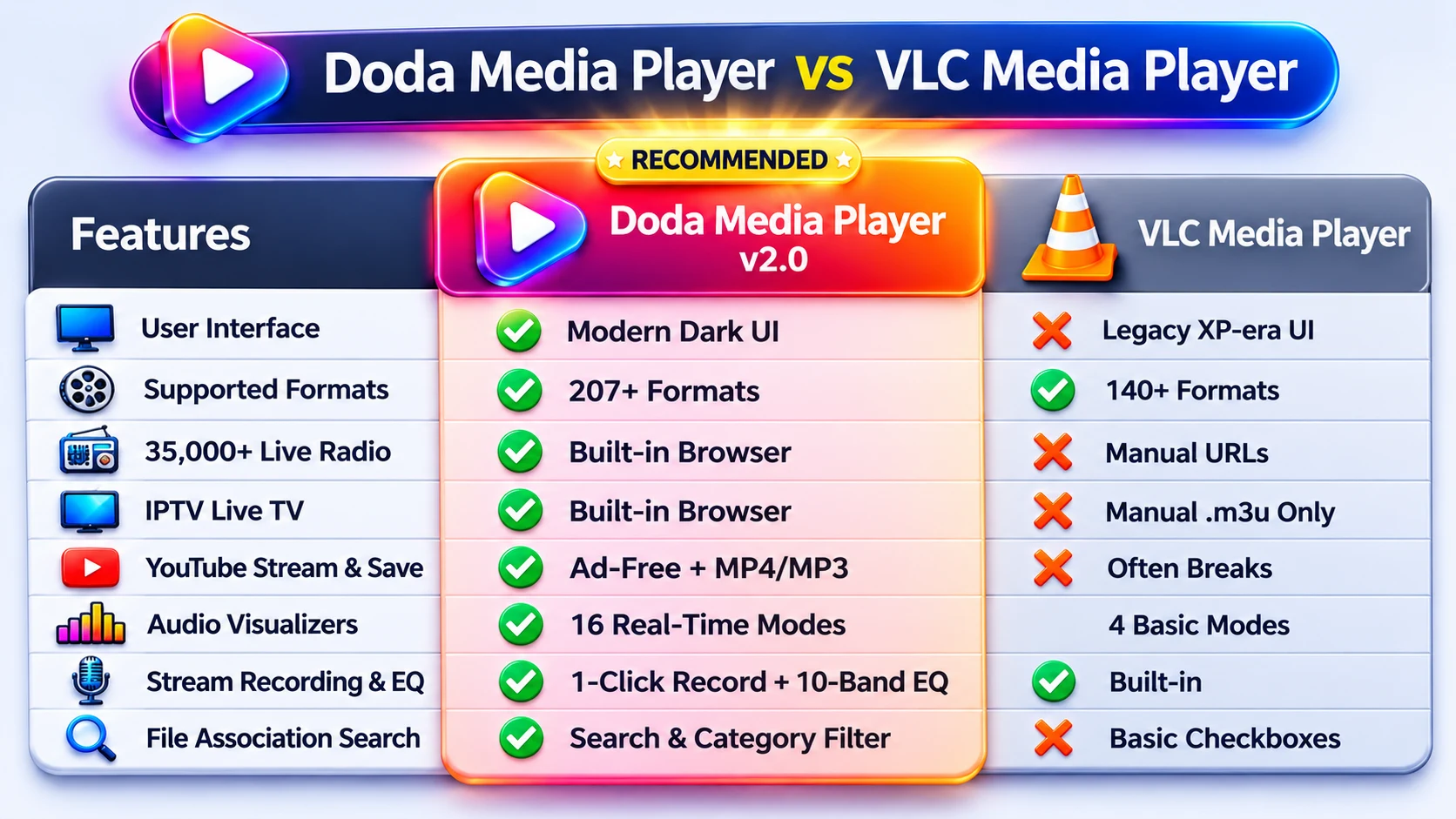
View Full 4-Player Text Comparison (VLC, Windows Media Player & PotPlayer)
| Feature | Doda Media Player v2.0 | VLC Media Player | Windows Media Player | PotPlayer |
|---|---|---|---|---|
| Modern Dark UI & Auto-Hide Controls | ✓ Built-in | Legacy XP-era UI | Basic Fluent UI | ✓ Skin-based |
| Supported Formats & Codecs | ✓ 207+ Formats | ✓ 140+ Formats | Limited (needs codec packs) | ✓ 150+ Formats |
| 35,000+ Live Radio Stations | ✓ Built-in Browser | Manual URLs / Icecast | ✗ None | ✗ Manual URLs |
| IPTV Live TV Browser | ✓ Built-in | Manual .m3u only | ✗ None | Manual .m3u only |
| Ad-Free YouTube Stream & Download | ✓ Stream + MP4/MP3 | Stream only (often breaks) | ✗ None | Requires extensions |
| Real-Time FFT Audio Visualizers | ✓ 16 Modes | 4 basic modes | Basic bars/alchemy | Basic spectrum |
| 10-Band Equalizer with Presets | ✓ Built-in | ✓ Built-in | ✓ Built-in | ✓ Built-in |
| One-Click Stream Recording | ✓ Built-in | ✓ Built-in | ✗ None | ✓ Built-in |
| Searchable File Association Manager | ✓ Search + Category Filter | Installer checkboxes only | Windows Settings only | Flat list |
| Zero Ads, Zero Bundled Software | ✓ 100% Clean & Open Source | ✓ Open Source | Microsoft Telemetry | Closed-source (ad-supported) |
Master Every Control & Shortcut
Explore all 39 keyboard shortcuts, mouse gestures, visualizer modes, subtitle sync controls, and stream settings in our complete documentation.
Get Doda Media Player v2.0.0
Initial release available for Windows 10 / 11 (64-bit). 100% free and open source — no ads, no tracking, no subscriptions.
Windows Installer
Windows 10 / 11 (64-bit) · ~72 MB · Start Menu & Desktop Icons
Clean NSIS Installer & Uninstaller
Windows Portable
Windows 10 / 11 (64-bit) · ~101 MB · Extract & Run
Run from any folder or USB drive
Note: Linux and macOS editions are planned for future releases.
All releases: github.com/dodatechcom/dodamediaplayer/releases · Open source on GitHub
System Requirements
Lightweight footprint designed to run smoothly on any modern Windows PC or laptop.
Windows Edition (64-bit)
Recommended & Minimum Specs
- OS: Windows 10 or Windows 11 (64-bit)
- Processor: 64-bit dual-core CPU (1.5 GHz or faster)
- Memory: 2 GB RAM minimum (4 GB recommended for 4K/60fps)
- Storage: 250 MB free disk space
- Network: Broadband connection for Live Radio, IPTV, and YouTube streaming
Built in the open
Built with Python, PyQt6, QML, Qt Multimedia, and FFmpeg. No bloat, no ads, no tracking. Licensed under GPL-2.0.